











Business Tablets
From taking orders to meeting customers, we'll help you choose business tablets that fit how your team works, with or without a mobile data plan.

Business Tablets That Fit the Job
Start with what your team needs to do. We'll help you choose the right business tablets with the features that make everyday work easier.




Choose How Your Tablets Connect
Whether your team stays in one place or moves between locations, we'll help you choose how their business tablets stay connected.
If your team usually works somewhere with reliable Wi-Fi, a Wi-Fi tablet could be all they need. We'll help you choose a suitable model, with no mobile data plan needed for the tablet itself.
Give your team internet access away from Wi-Fi with a tablet that supports mobile data. We'll help you compare networks, check coverage where they work and choose a data allowance that suits their needs.
Already have tablets that support mobile data? We'll help you find a suitable data plan and check whether each device needs a physical SIM or eSIM, so you can keep the tablets you use.
Compare Networks for Your Tablets
Tell us where your team uses their business tablets. We'll check coverage across all four networks and talk through your options.
Get a free coverage check
EE Business
If your team uses tablets across several sites, tell us where they need to get online. We'll check EE coverage at those addresses and flag any locations where your team might have trouble staying connected.

O2 Business
Already use O2 for your business mobiles? We'll check whether you can add tablets to your existing setup. We'll talk through the data options so you can see how they'd fit alongside your current plans.

Three Business
Taking video calls, uploading job photos or sharing large files from a tablet can use up data quickly. If you're considering Three, we'll help you choose an allowance based on what your team actually does.

Vodafone Business
If your team uses tablets indoors, tell us where they need mobile data. We'll check Vodafone's predicted indoor coverage at those locations, so you can weigh up how well it might work in practice.
Explore Popular Business Tablets
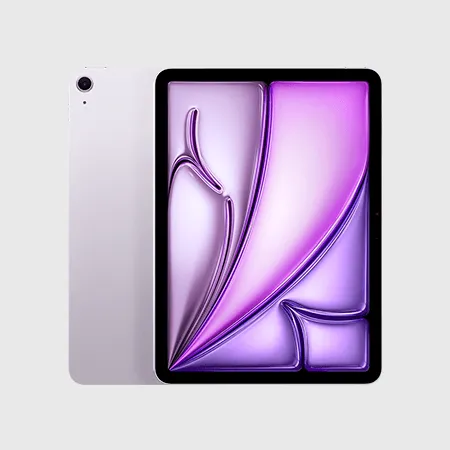
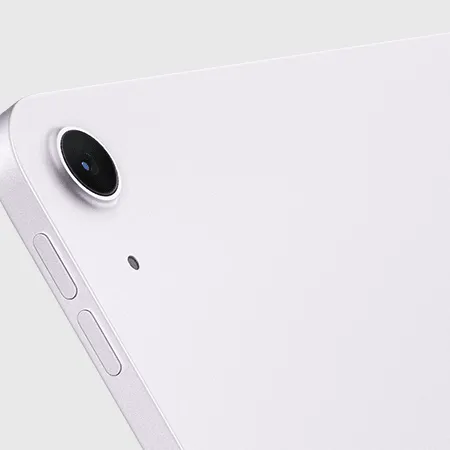
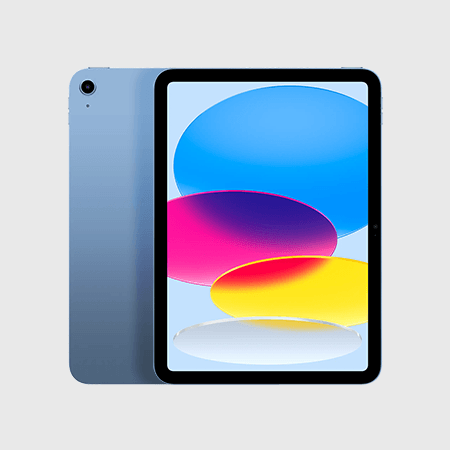
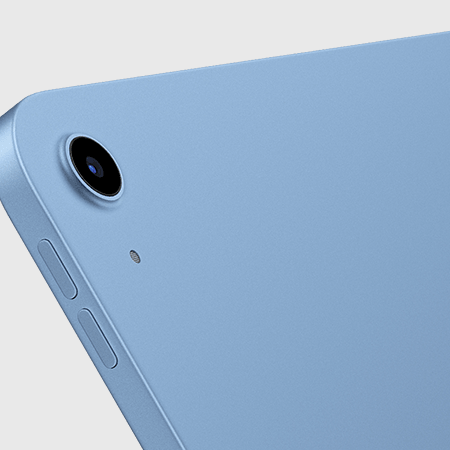
Explore a few options below, then talk to us about what you need. We'll help you compare models, connectivity and accessories.
Ask us about other tablets
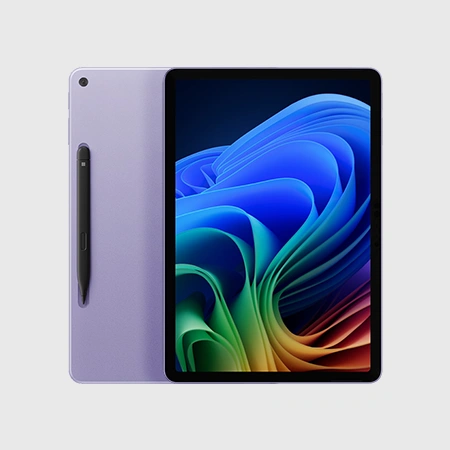
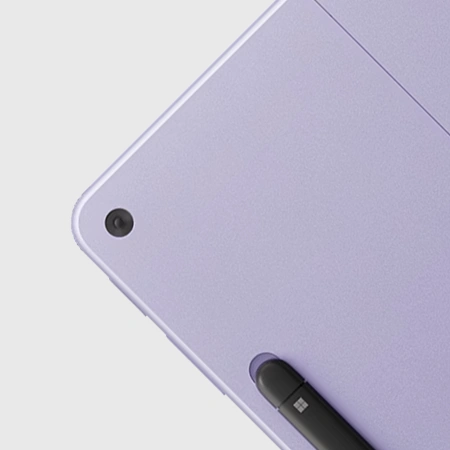
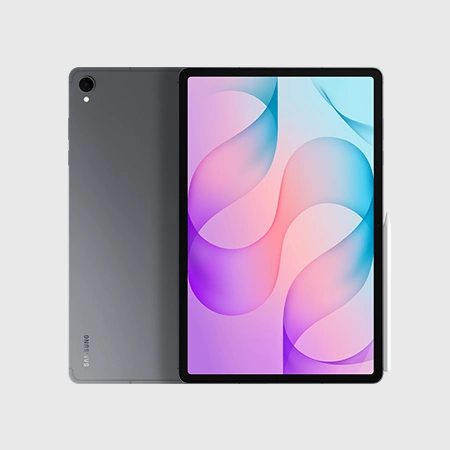
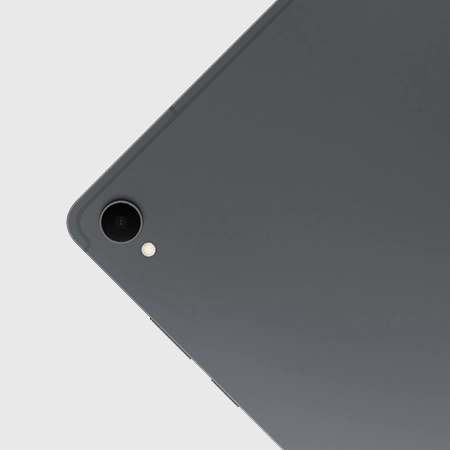
Brands We Can Help You Compare

Prefer to lease your tablets? Explore leasing through our partner Raylo, with monthly payments to help you spread the cost of equipping your team. Find out more
Get Your Team Ready to Use Their Tablets
Getting new tablets ready can take time. We'll help you plan the setup so your team can get to work with fewer interruptions.
Step 1
Check Your Apps
Make sure your tablets work with the apps your team relies on. We'll help you check device requirements and operating systems before you order, so everyone has the tools they need for their daily work.
Step 2
Prepare Your Tablets
Give your team less to set up themselves. We'll discuss what can be configured before delivery, including work apps, email and security settings. The options depend on your chosen devices and what your business needs.
Step 3
Manage Devices in One Place
Keep control of work apps and settings across your team's tablets with mobile device management (MDM). We'll explain the options for managing compatible devices centrally, including ways to protect business information if one goes missing.
Your Tablets, Backed by Our Team
Choosing tablets is easier when you've got someone to talk it through with. We'll help you decide and stay on hand after delivery.

Advice Around Your Team
You don't need to know which tablet to choose before you speak to us. We'll listen to what your team needs and help you compare devices around your apps, budget and way of working.

Data That Fits the Job
We'll help you weigh up Wi-Fi and mobile data options based on where your team works. From checking coverage to choosing a data allowance, we'll explain the choices so you can decide with confidence.
One Provider to Work With
Bring your tablets, mobiles and connectivity together through one provider. We'll look at how your services fit together and help you find a setup that's easier to keep track of as your business grows.

Support Beyond Delivery
You can come back to us with questions once your tablets arrive. Our UK team will help you get started and stay available for advice as your people, devices and business needs change over time.
Get a Free Tablet Quote
Tell us how your team will use their tablets. We'll help you compare devices and data options, then put together a quote around your needs.
Want to talk now? Give us a call:
01773 522300Or email:
[email protected]Your Business Tablet Questions Answered
From choosing a device to getting your team connected, here are answers to common questions about buying and using tablets for work.
Ask us a questionStart with the tasks your team needs to do and the apps they rely on. Screen size, portability and accessories also matter. We’ll help you compare suitable options around how your team works and what you want to spend.
Yes. You can buy a tablet without a mobile data plan and connect through Wi-Fi. If you might need mobile data later, choose a model that supports it. Wi-Fi-only tablets can’t connect directly to a mobile network.
Yes, if your tablet supports mobile data. We’ll check the model, whether it uses a physical SIM or eSIM, and which plans are suitable. You can then keep using your existing device with a new data plan.
It depends on what your team does and how often they’re away from Wi-Fi. Video calls and large downloads generally use more data than emails or online forms. We’ll talk through typical usage to help you choose an allowance.
This depends on your current provider, account and chosen plan. Tell us what you already have and we’ll check the options. We’ll explain how any new tablet connections would fit alongside your mobiles before you decide.
For some tasks, yes. Email, document editing and video calls can work well on a tablet, particularly with a compatible keyboard. Specialist software may have different requirements. We’ll help you check your essential apps before you choose.
We can discuss preparing your tablets with work apps, email and security settings before they arrive. What’s possible depends on your devices and requirements. We’ll agree the setup with you before the order progresses.
Compatible tablets can be managed through mobile device management (MDM) software. This helps you control work apps and device settings from one place. We’ll explain the available options and what they would mean for your team’s setup.
Tablet leasing is available to eligible limited companies through our partner Raylo. It lets you spread the cost through monthly payments. Explore our business tech leaasing page for more information, including the available devices and terms.
Our UK team can help you get started and answer questions about your tablets and connectivity. If something goes wrong, contact us. We’ll help you understand the next steps and any support available under your device warranty or plan.
Explore More Business Mobile Solutions
Need mobiles alongside your tablets? We'll help you choose new phones or SIM only plans for devices you already have.

Business Mobiles
Find mobile phones that suit your team's working day, with help choosing devices and data plans.

Business SIM Only Plans
Keep the mobile phones that work for you and choose a SIM only plan around your team's usage.